Connecting to Palworld Servers
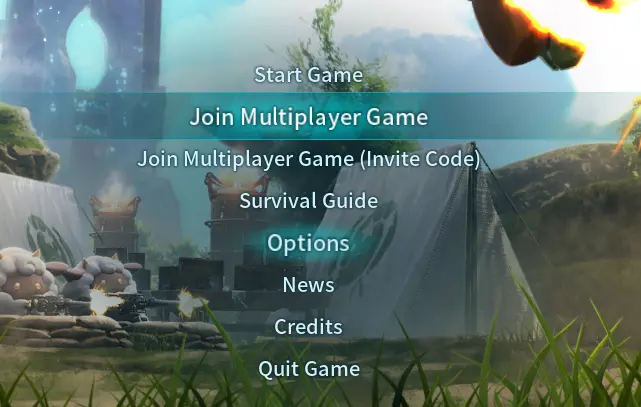
In order to join a dedicated Palworld server you need to use the "Join Multiplayer Game" option from the main menu as shown in the image to the right.
 Loading...
Using Direct Connect
You can connect to your server using the Direct Connect field in the server list shown in the image to the right. If the server you're trying to connect to is protected by a server password, use the Enter password toggle to the right of the IP address field before clicking connect.
 Loading...
Using the server list
The server list is currently broken due to a known bug, so you'll need to use Direct Connect.