Enabling Experimental Features
Mojang rolls out some of the new Minecraft features through Experimental Features, which may ship in Snapshots, Betas, or full releases of either Java Edition or Bedrock Edition. These features are deemed to be unstable, subject to change, and likely to leave your world unable to update, but it can be fun to play around with the latest features and provide feedback. If you’d like to enable these features on your server, follow the steps below!
 Loading...
Java Edition using a New World
1.19.3 added Experimental Datapacks as a way to introduce the Minecraft Community to new features that are planned for Minecraft. They’re enabled permanently for a world and are experimental because the features are likely to change and may leave your world unable to update.
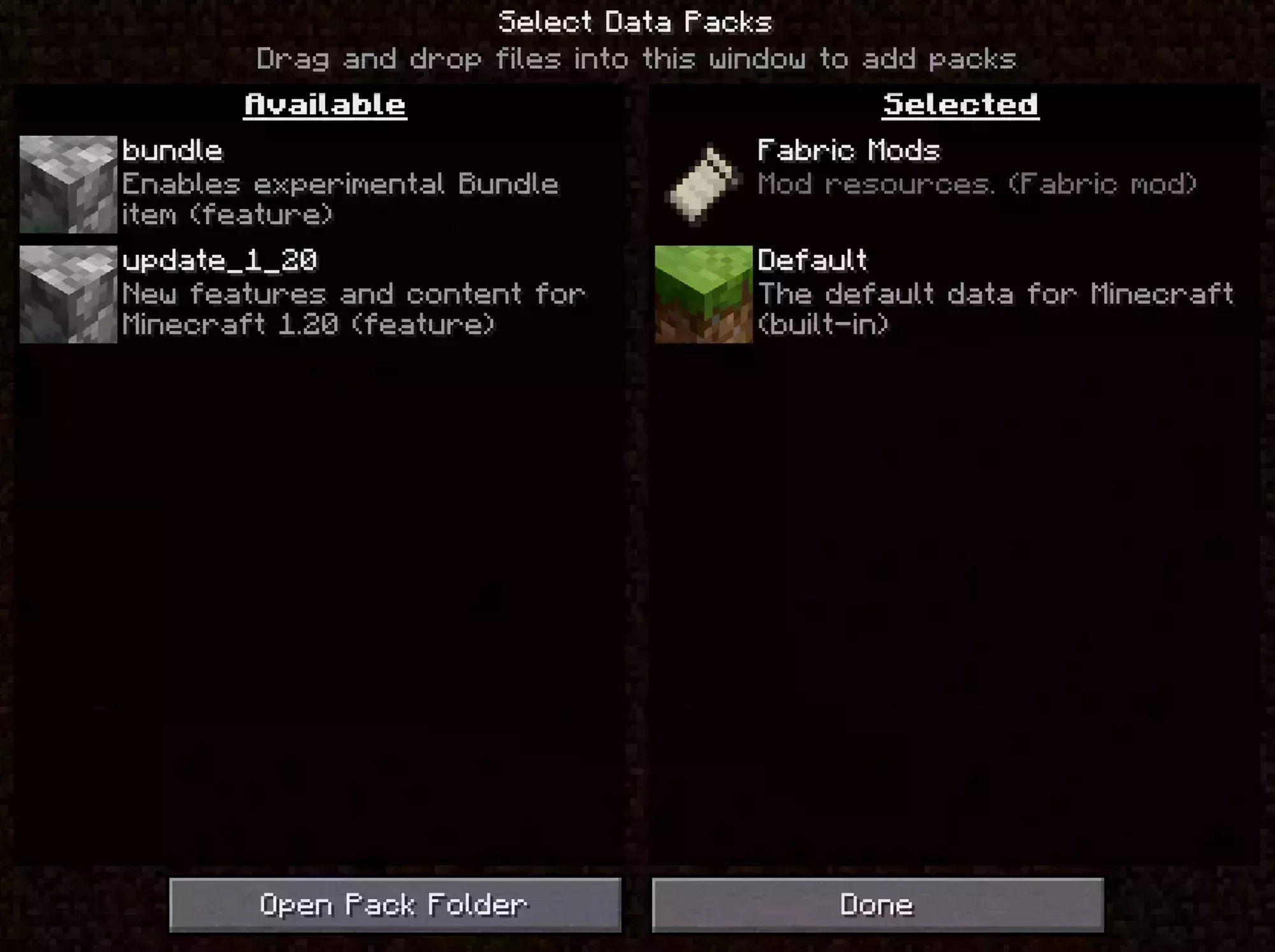
If you’d like to enable one or more Experimental Datapacks for your Java Edition server you need to add the name of the Experimental DataPack to your server.properties file under the initial-enabled-packs section and deleting the existing world.
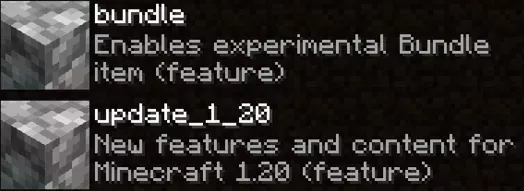
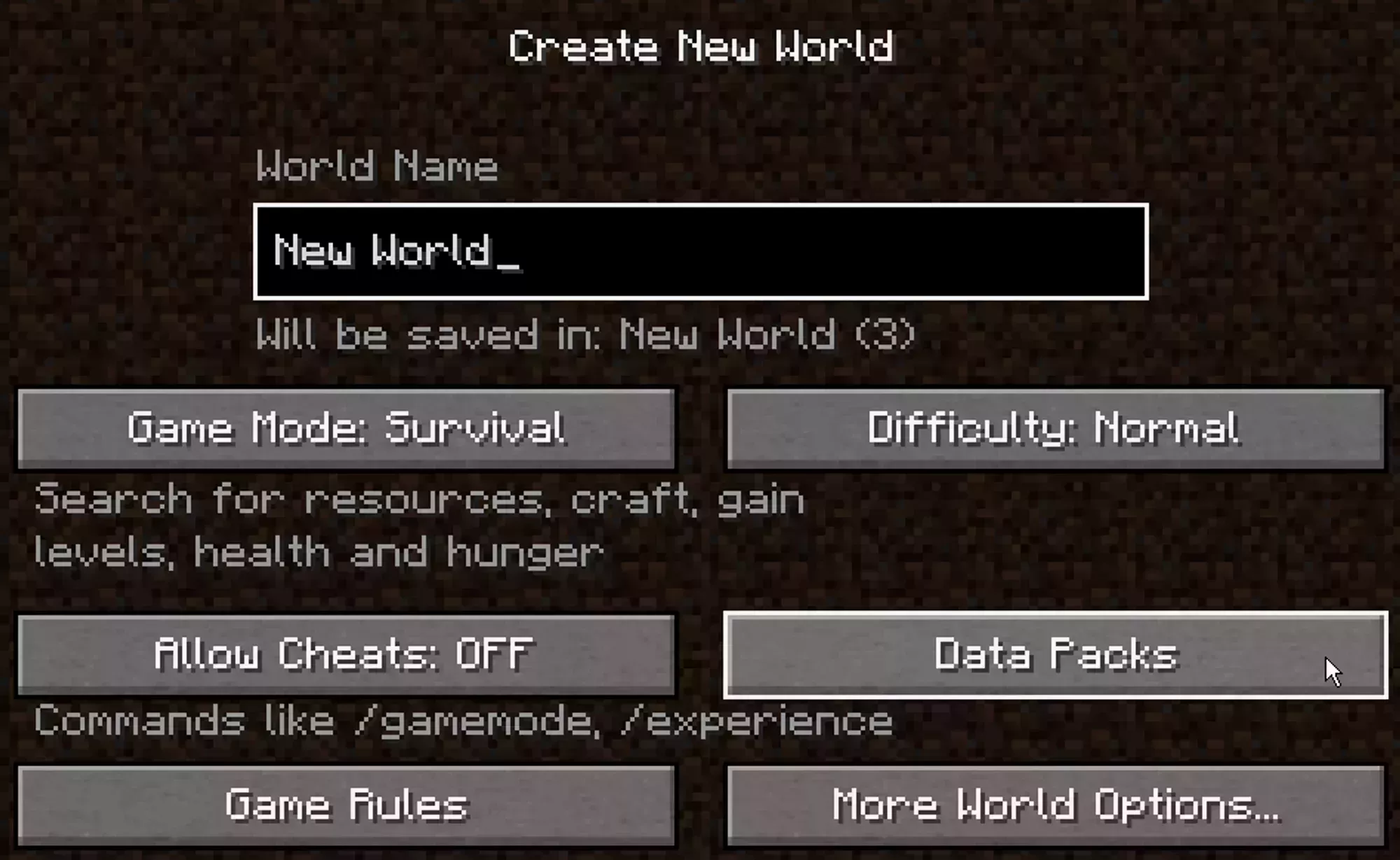
You can find the name of the Experimental DataPack by navigating to the Create New World screen in your Minecraft Client and clicking the datapacks button as shown in the images on the right.
 Loading...
 Loading...